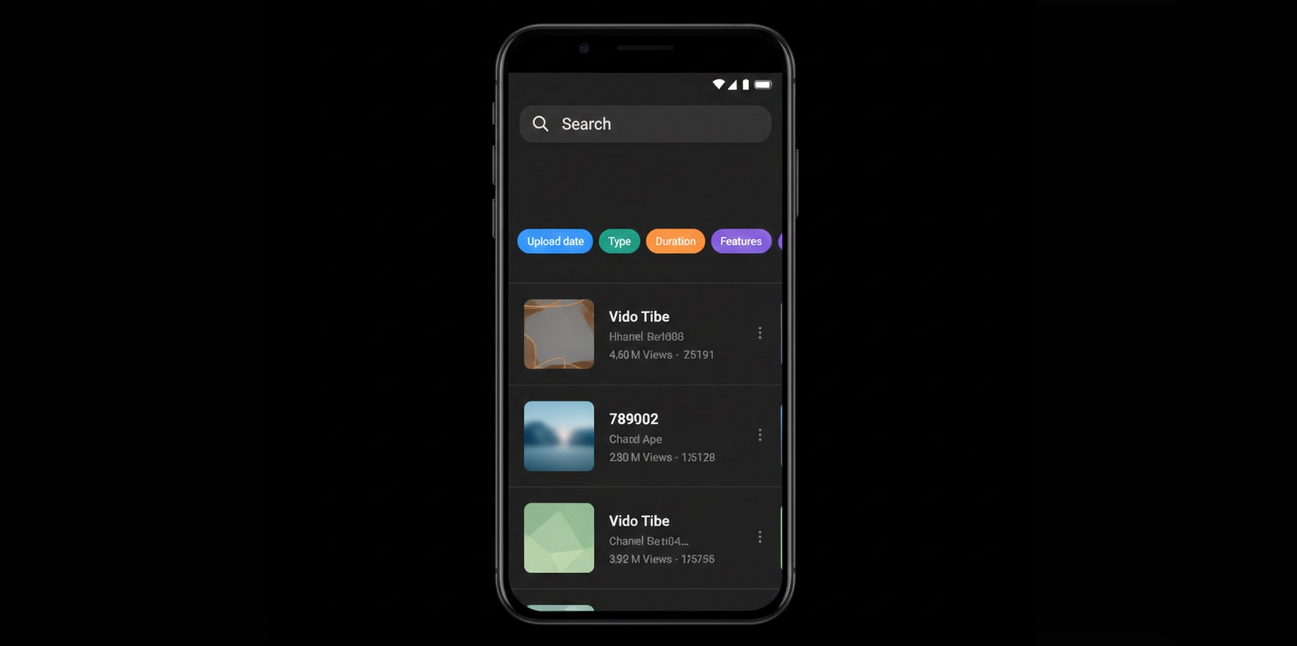
Being one of the most popular websites getting billions of requests per day, it may seem that finding anything there is not a problem. However, due to the default YouTube sorting algorithm based on relevancy, popularity and engagement, search results you will get will disappoint you – clickbait and trending videos will appear in the search results, but it is not what you need. YouTube filters will help you to narrow down your search results and filter videos using various criteria.
Importance of YouTube Filters
If you will be looking for something related to the particular topic on YouTube without using any filters, you will receive lots of videos which are not necessarily what you are looking for. Thanks to filters, you will be able to sort through the huge number of videos and find exactly what you need – whether it is the most recent video, tutorial or live stream.
Types of Filters in YouTube
YouTube offers you the opportunity to filter videos into the various types that you can combine in order to get more precise results.
- Upload Date: Last Hour, Today, This Week, This Month, or This Year.
- Type: Video, Channel, Playlist, or Movie.
- Duration: Under 4 Minutes, 4 to 20 Minutes, or Over 20 Minutes.
- Features: Live, 4K, HD, Subtitles/CC, Creative Commons, 360 Degree, VR180, 3D, HDR, or Location.
- Sort By: Relevance, Upload Date, View Count, or Rating.
Using Filters
Search First: Enter your query into the search bar and hit Search.
- Open Filters: Tap on the filters icon on the top of the page on mobile. On a desktop computer, press Filters button.
- Choose Your Filters: Select one or several filter options from the list of filters.
- Look at Your Results: Your search results will be filtered according to your filters.
- Apply Multiple Filters: Combine filters to get more precise results.
Strategies for Popular Searches with Filters
Latest Tutorials: Enter your query, then choose Upload Date (This Month) and Duration (4-20 Minutes) filters.
- In-Depth Content: Apply Duration (Over 20 Minutes) filter to get videos and courses about your topic in details.
- Quick Answers: Use Duration (Under 4 Minutes) filter to get quick explanation about your simple topic.
- Live Discussions: Apply Type (Live) filter to find recent live streams on your topic.
- High-Quality Visuals: Apply Features (4K or HDR) filter to get the best-looking videos about your visual topic.
- Accessible Content: Apply Features (Subtitles/CC) filter to find videos with subtitles.
Filters on YouTube Vanced
By using YouTube Vanced, you get all YouTube filters working the same way as in the official app. Being free from any advertisements and promotion cards, YouTube Vanced makes the loading of the results faster and more clear, giving you only the video content.
Your search history will be stored by using Vanced MicroG and will be available in the next session and even on another device.
Additional Searching Tips
- Specific keywords: The more specific search query you enter, the more relevant results you will get. Enter year, version number or topic name.
- Alternative phrasing: If there is no appropriate result, try using an alternative phrasing of your query with synonyms.
- Search within channels: Enter the channel you are interested in and use the search bar of the channel to search videos only of the channel.
- Quotation marks: Put your query between quotation marks and YouTube will find an exact phrase instead of separate words.
People Who Will Be Using Filters
- Researchers: Users who are looking for specific, recent or detailed content about a certain topic.
- Students: Students who are looking for tutorials of a certain length and recency for their studying.
- Creators: YouTubers who are analyzing competitive content and trends in their niche.
- Casual viewers: Everyone who is tired of clickbaits and is looking for quality content.
Conclusion
YouTube search filters are a poorly estimated feature of the website which can considerably improve your search experience. Sorting videos according to date, duration, type and other parameters turns your search into a targeted one and gives you exactly what you need. Searching using YouTube Vanced is becoming even faster and easier.